Phantasm for Adobe Illustrator
- 17 September 2014
- Yulia Yakymova
- Design
- 14530

Now, you have an opportunity to make your work easier by using a charming plug-in for Adobe Illustrator - Phantasm v3.
More than once I've been in a situation when an illustration was almost done, but some minor adjustments were needed, such as color or brightness. At such moment you remember that you are not working in Photoshop, but in a vector graphics editor, such opportunities are limited. :(
But don't get upset! There's a simple Phantasm v3 to use.
What is Phantasm v3?
Phantasm v3 is the only standard plugin. It can be installed in Effects – Additional Effects menu.
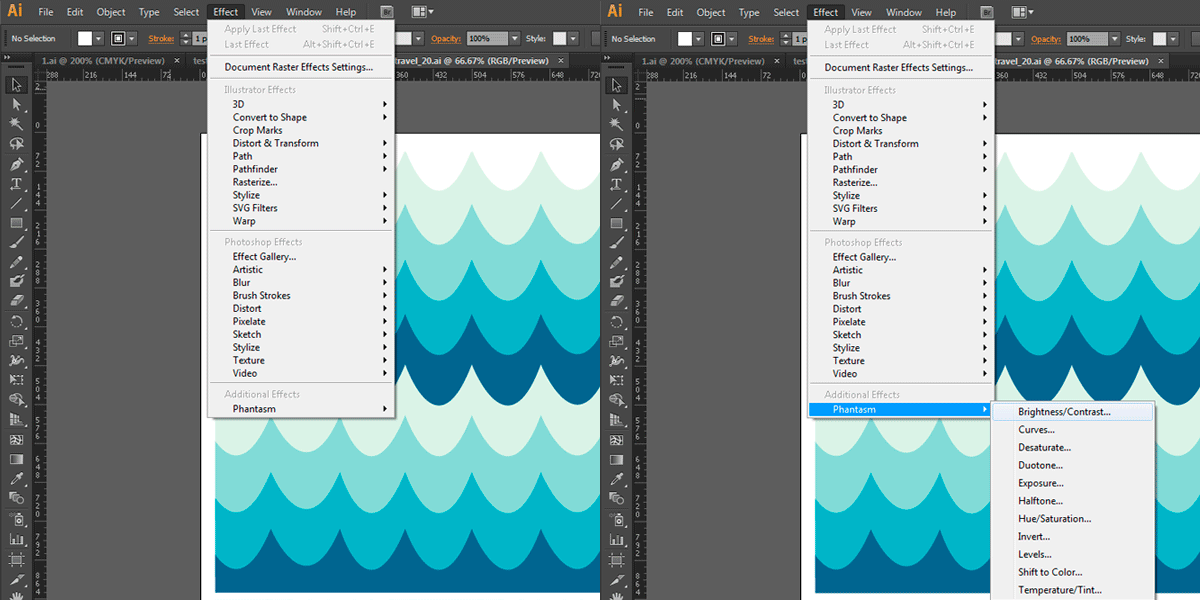
Now you can adjust:
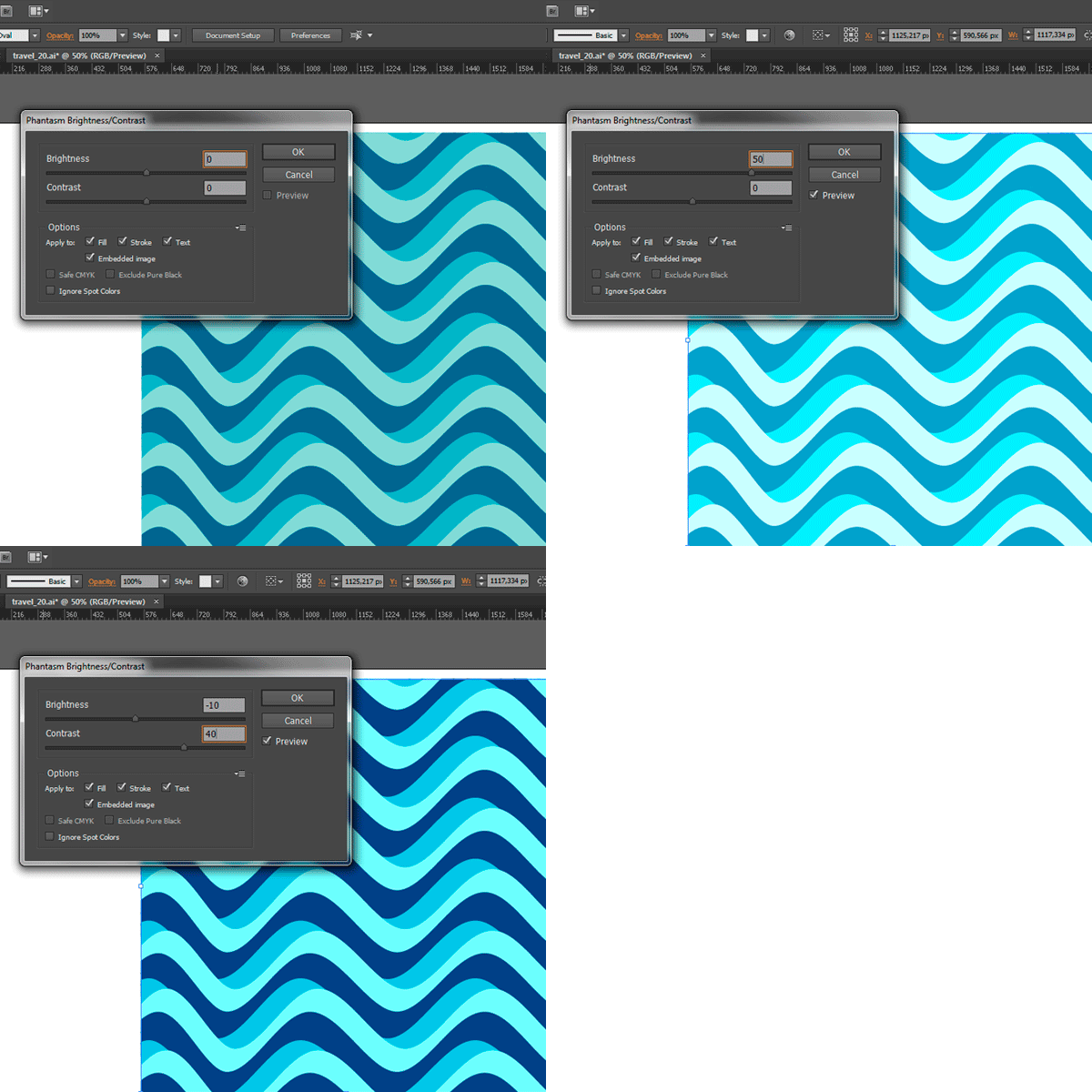
Brightness/Contrast
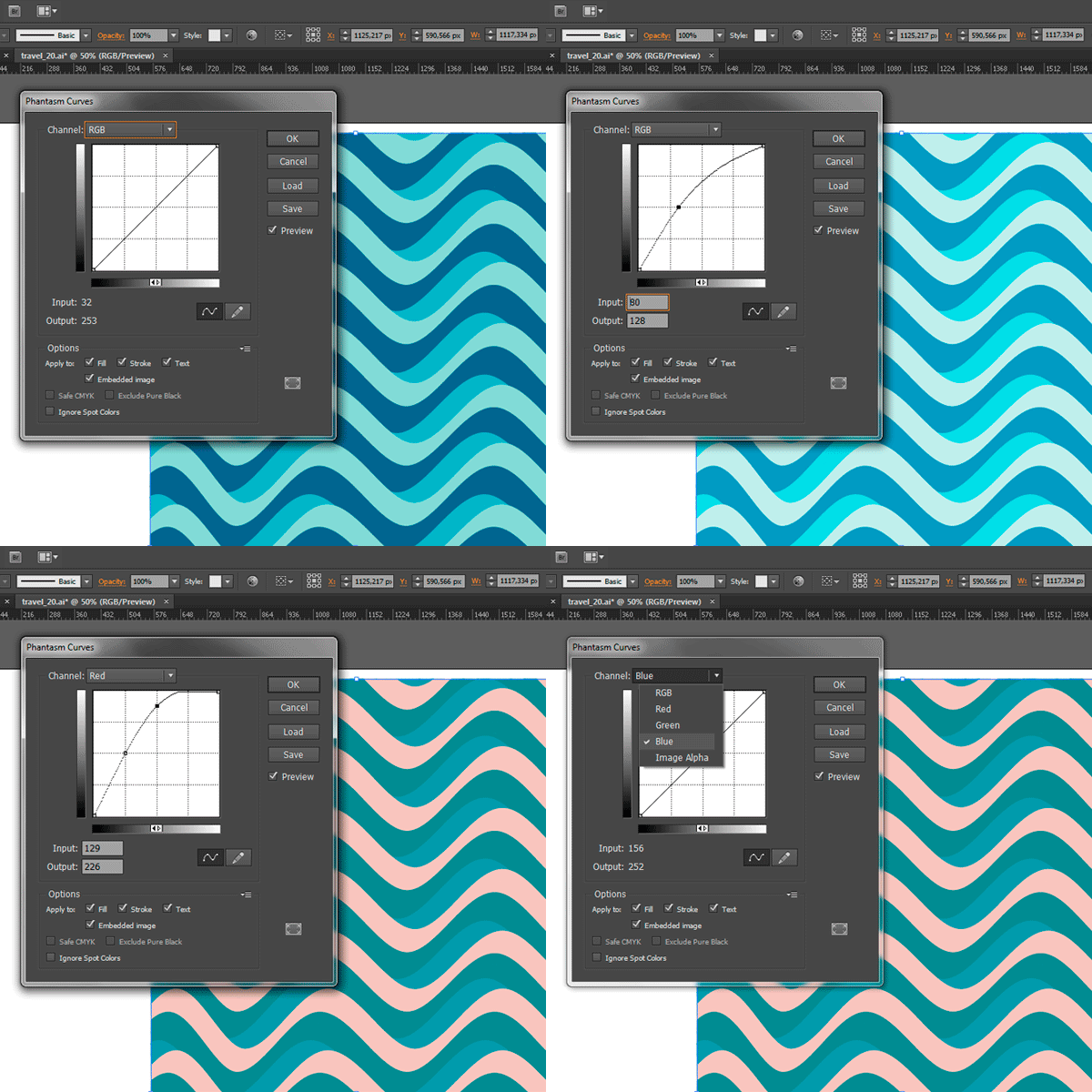
Curves
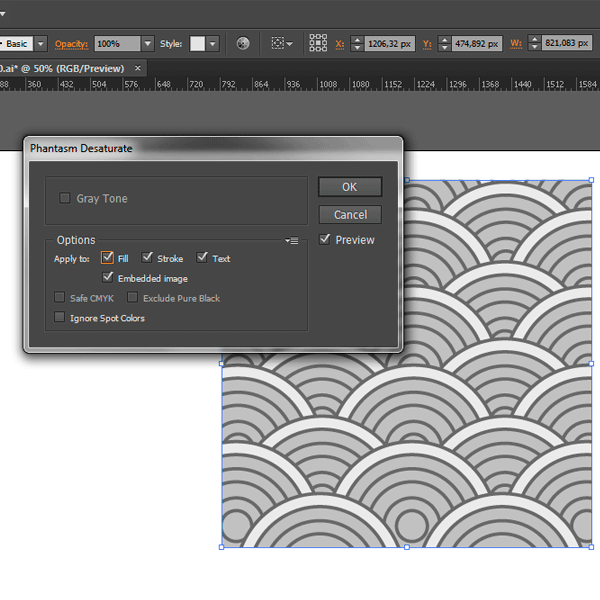
Desature
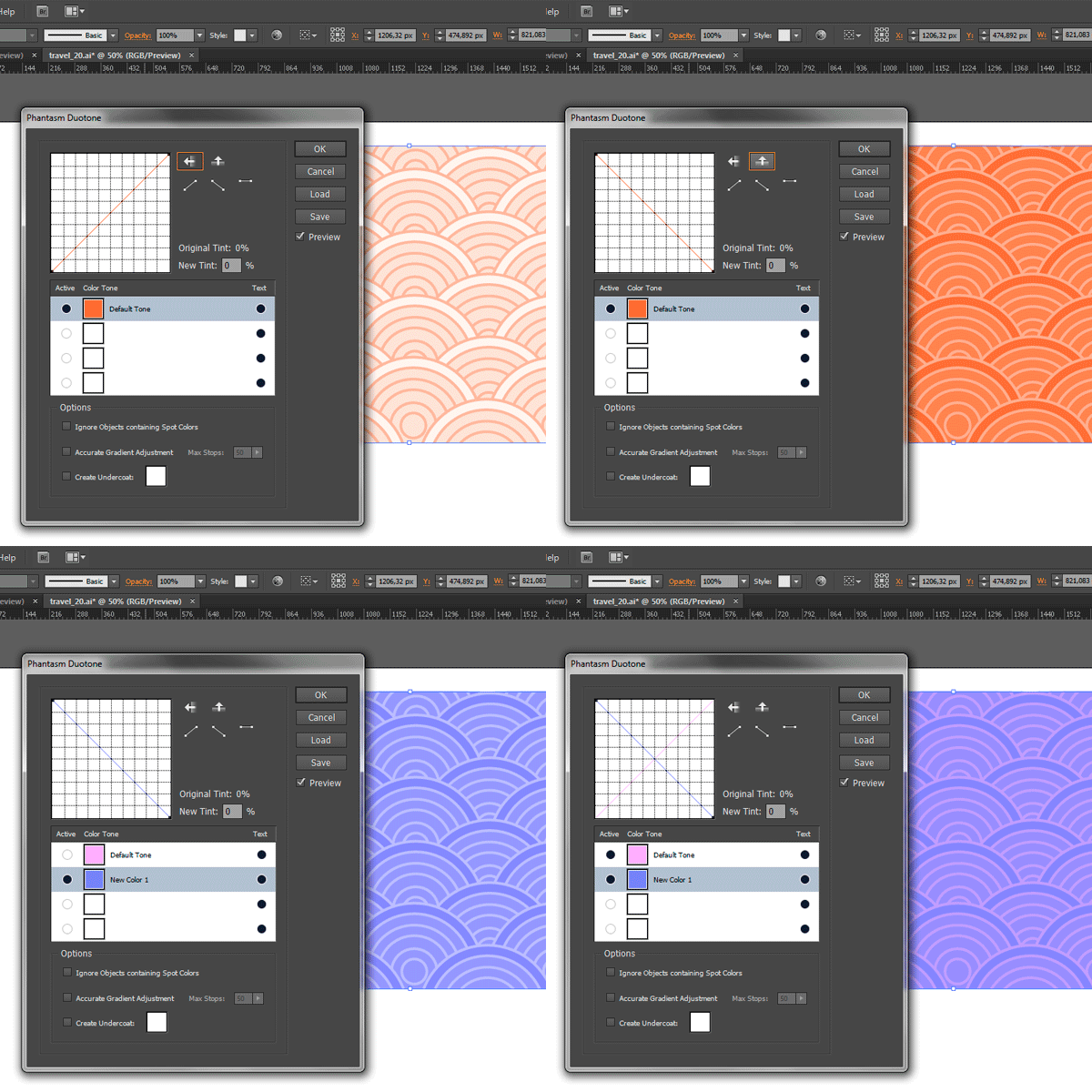
Duotone
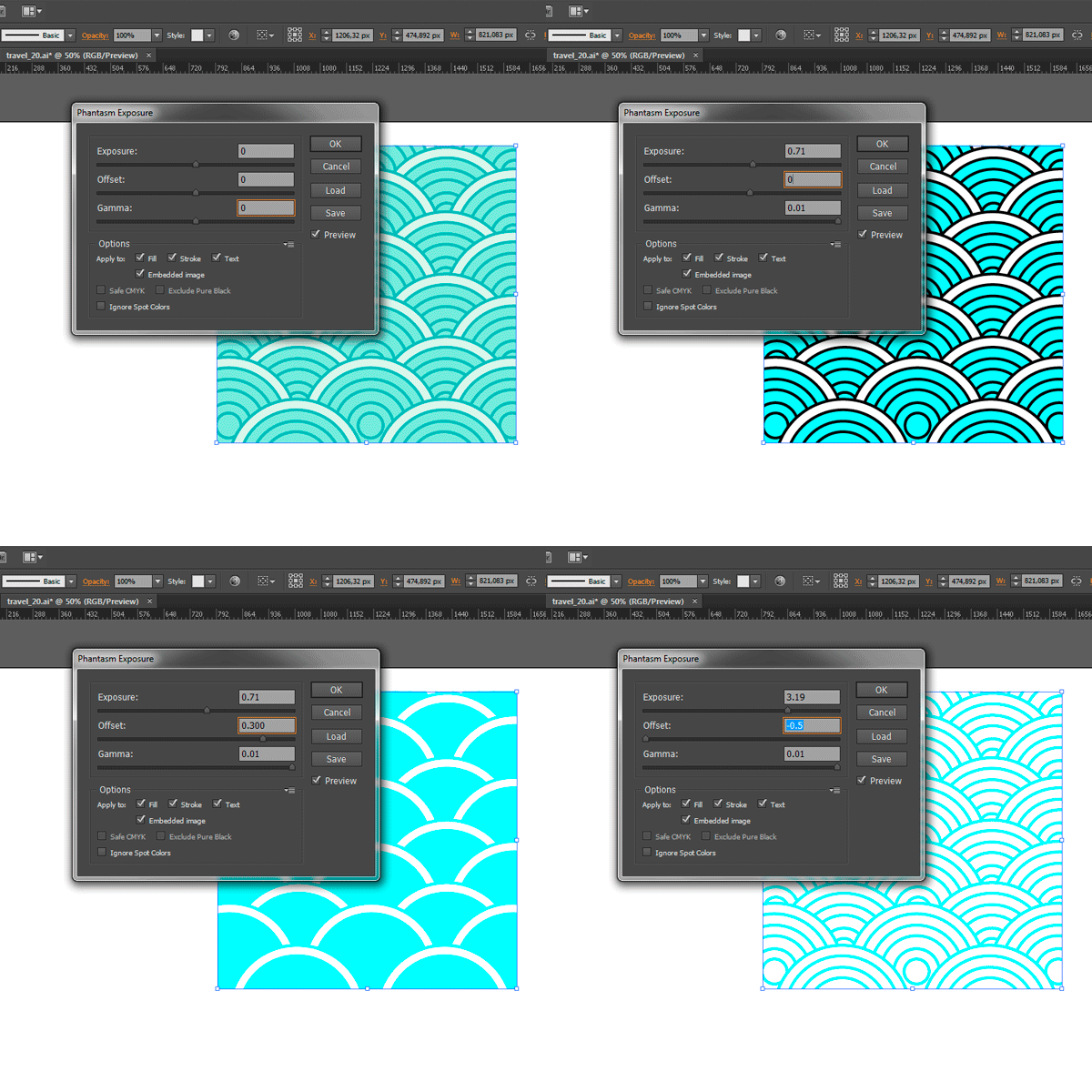
Exposure
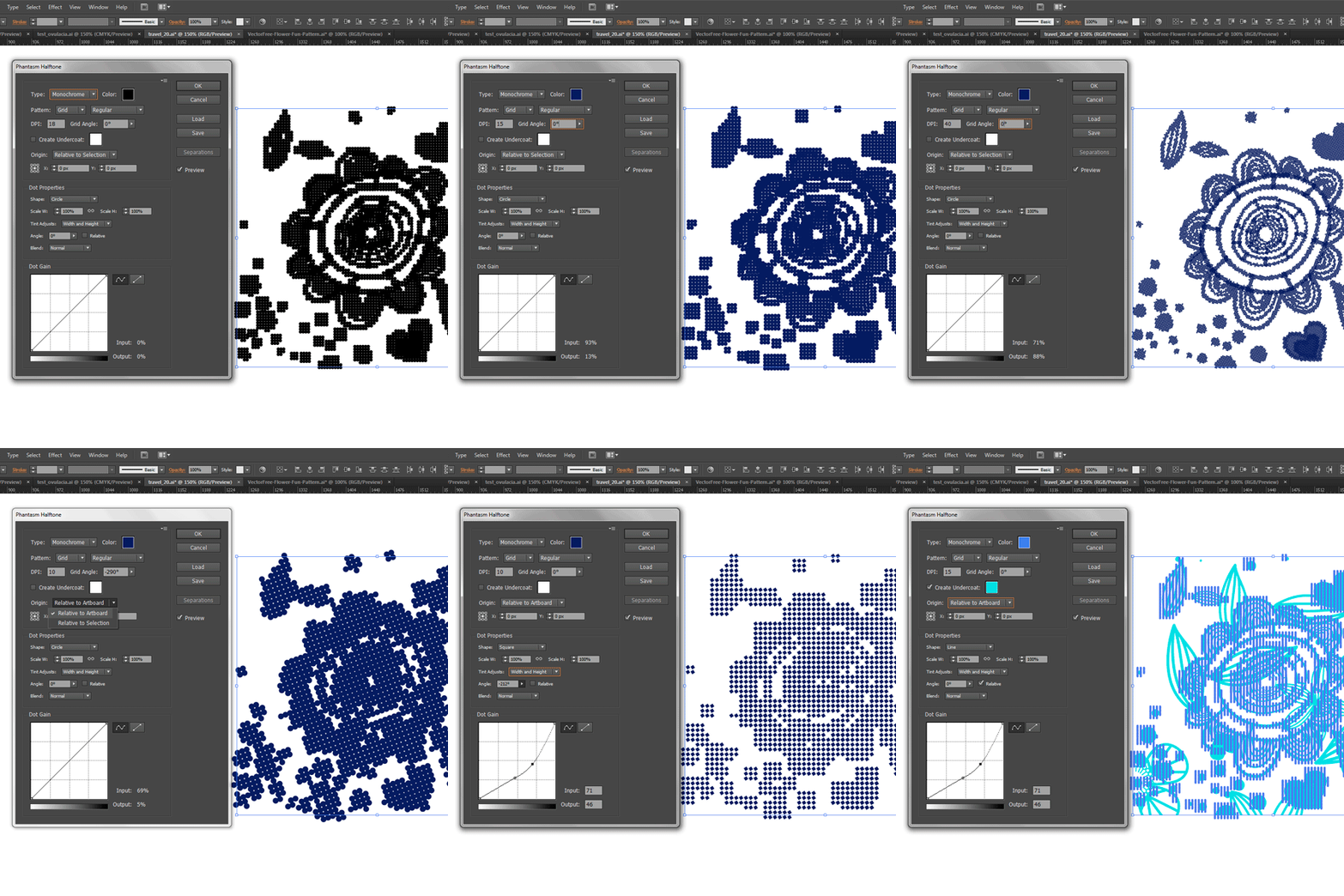
Halftone
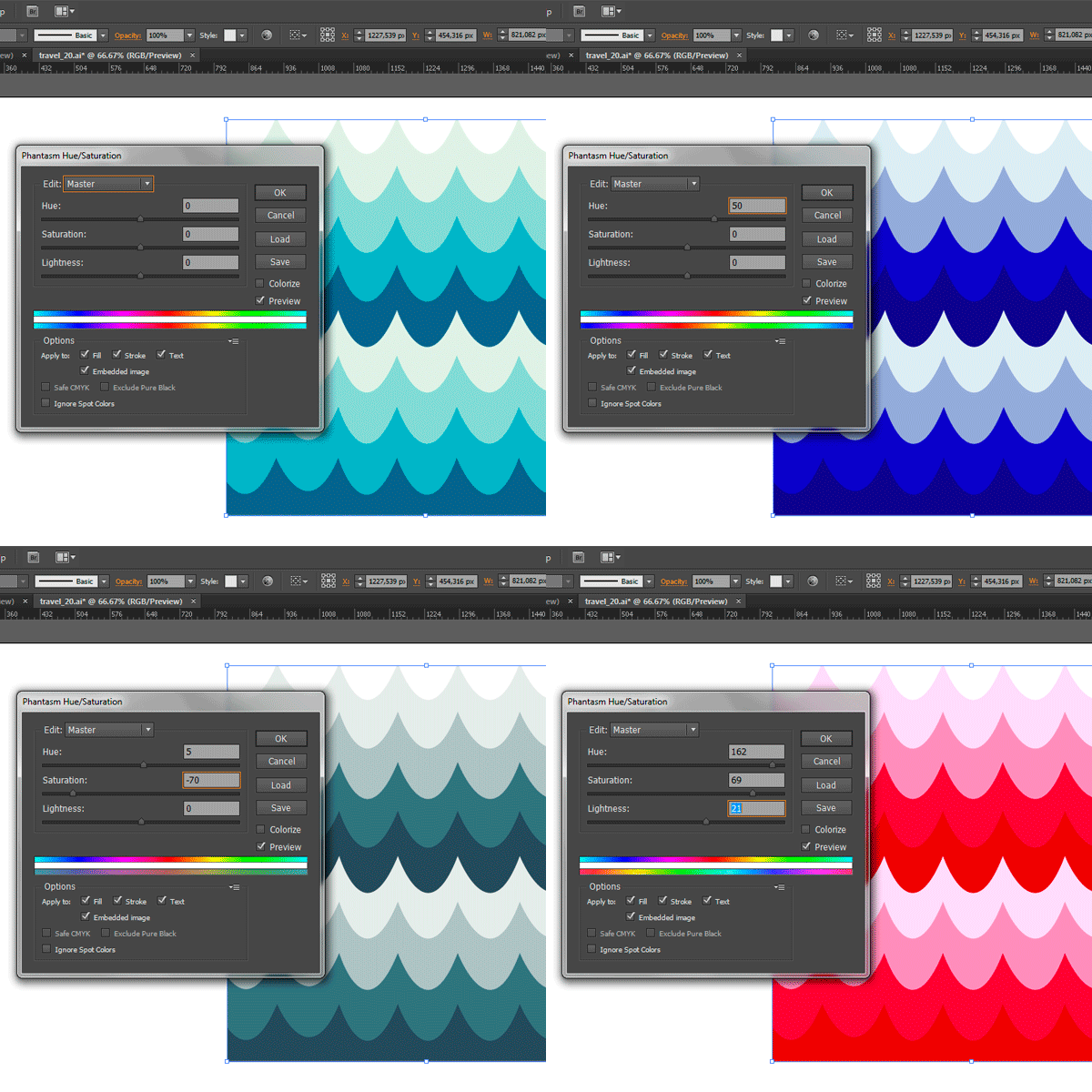
Hue/Saturation
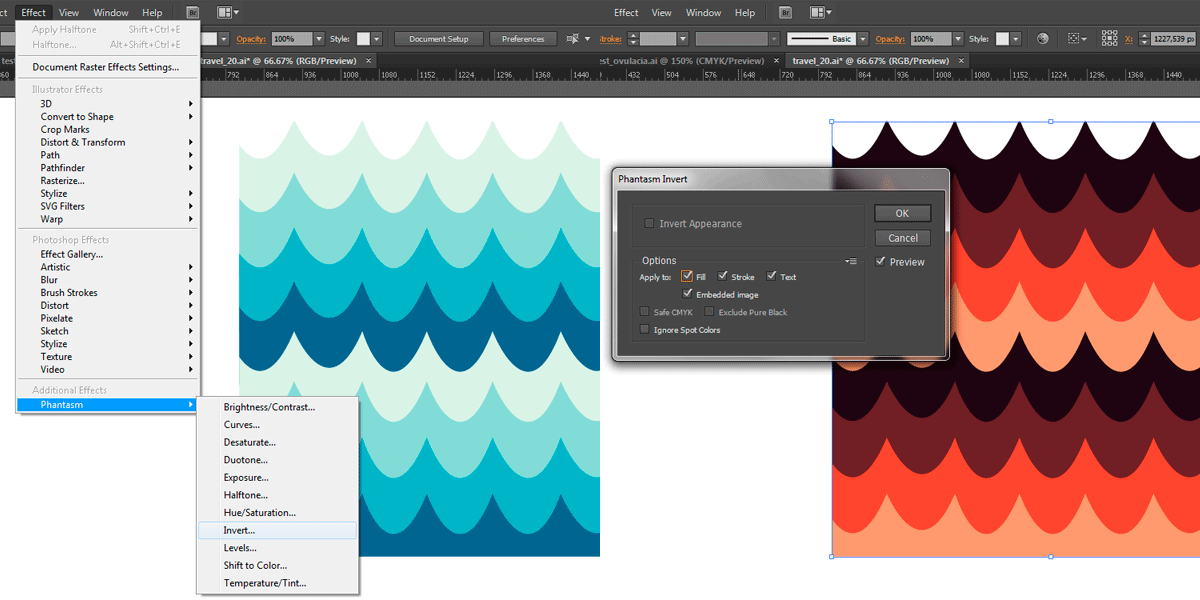
Invert
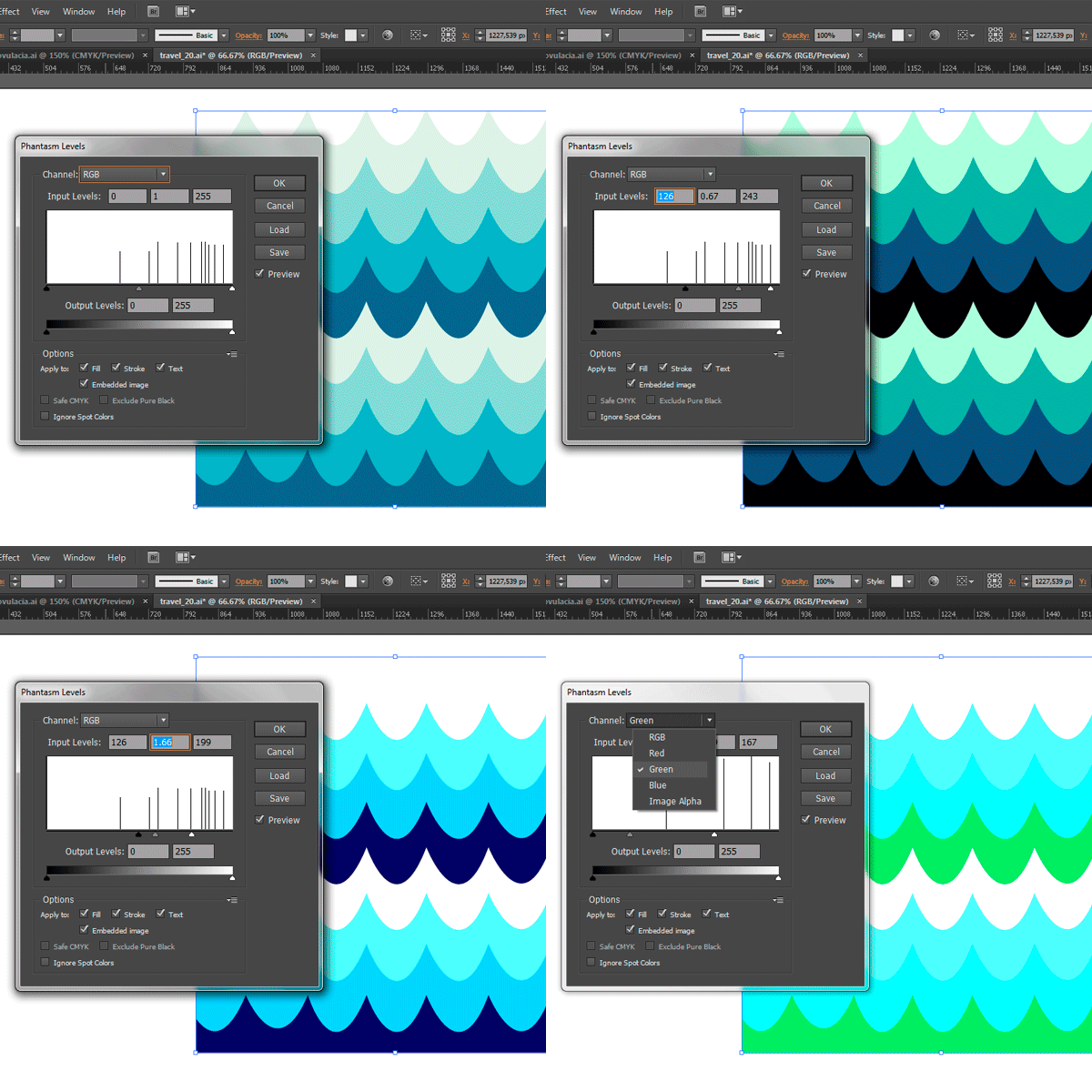
Levels
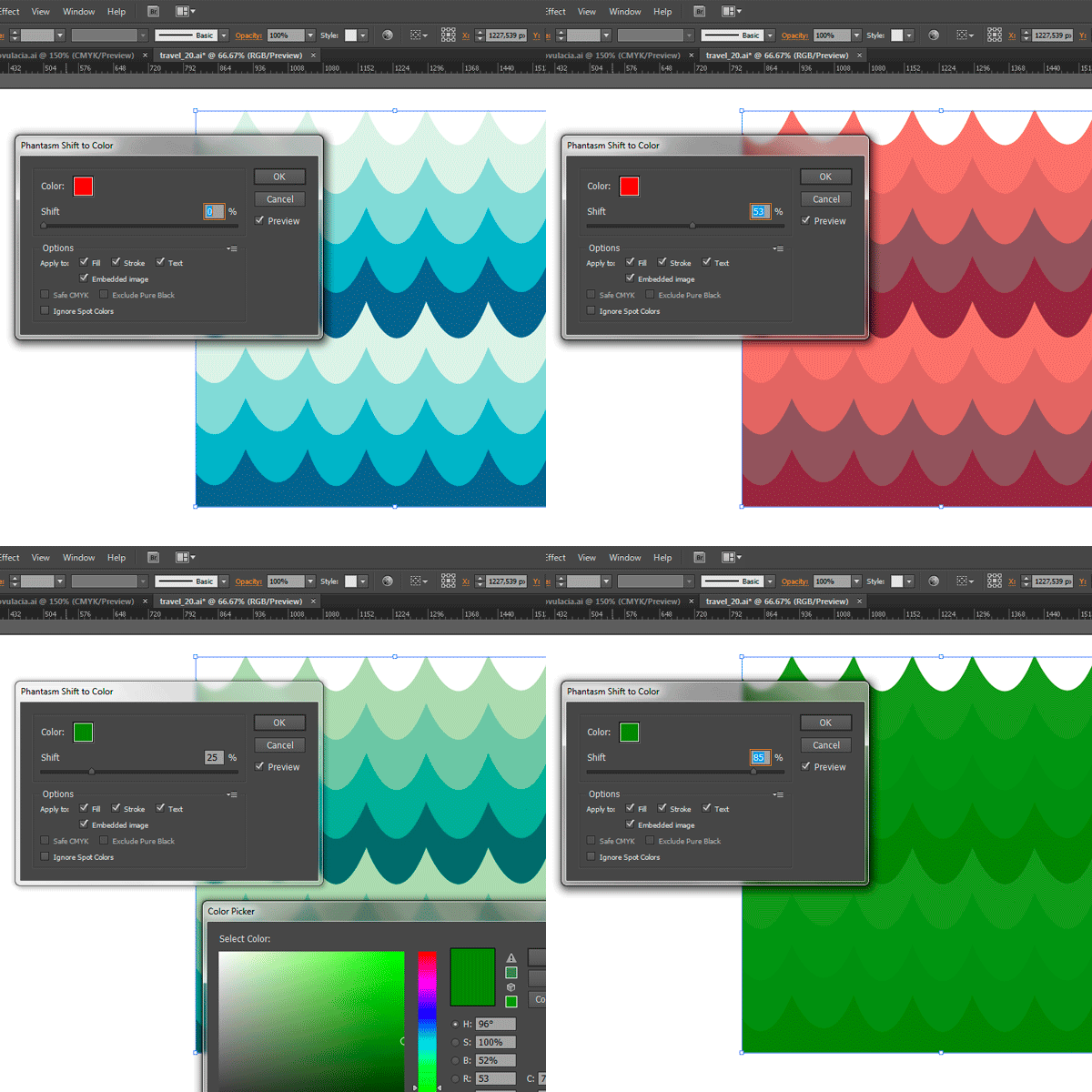
Shift to Color
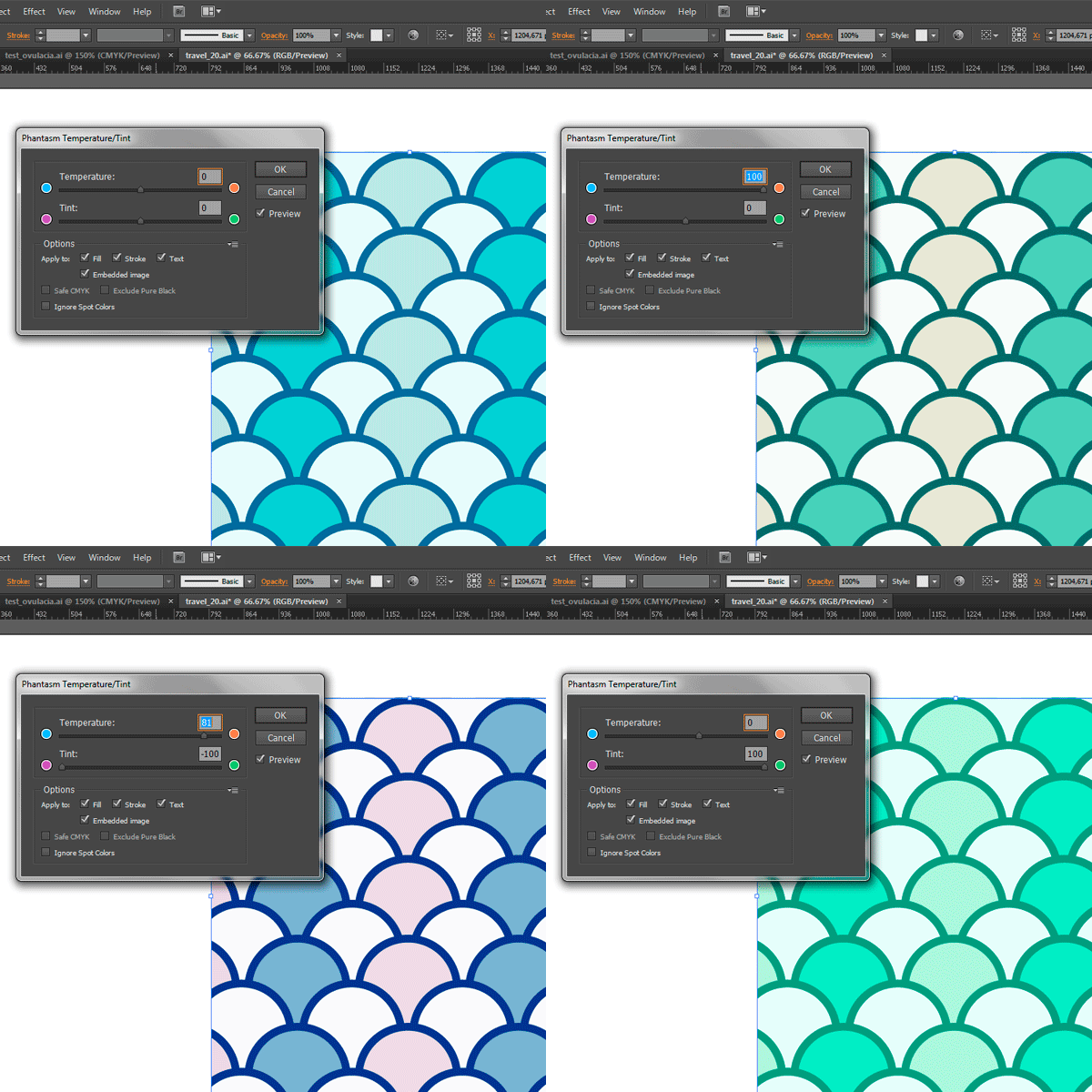
Temperature/Tint
Phantasm Filters and Effects :
- Save CMYK
- Can be applied to Filling/Outlining/ Text/ Images
- Auto rasterize
- Automated converting into curves
- Black / While cut-off
- Rich Black to user-defined color
- Overprint
All effects are compatible. Nothing will stop you from developing your creativity. :)


