How to Install Open Office on Ubuntu 14.04
- 25 July 2014
- Volodymyr Hodiak
- And More
- 18176

Ubuntu installation package contains some programs to make the work convenient for an ordinary user. As an office suite, Ubuntu uses LibreOffice. However, LibreOffice often distorts images, especially when converting a document into *.docx. We decided to stop using LibreOffice and use OpenOffice instead.
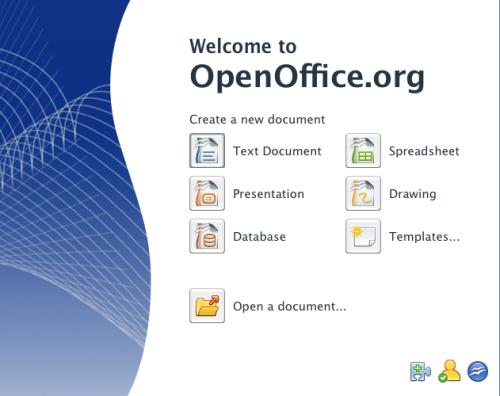
Below, I'll shortly describe how to install quickly OpenOffice on Ubuntu.
To start with, download .deb package from sourceforge.net
Next, unpack it and open the console ctr+alt+t.
Make sure to delete Libre Office from the computer before installing LibreOffice. Run the command:
sudo apt-get purge libreoffice*
Ta da! Now you can install OpenOffice.
cd /home/user/Downloads/ru/DEBS
Install all packages at once.
sudo dpkg -i *.deb
The only thing left to do is to integrate the application into the desktop environment.
cd desktop-integration
dpkg --force-overwrite -i openoffice4.0-debian-menus_4.1-9764_all.deb
That's it! OpenOffice is installed.


